Professional HTML5 Video Editor

Add value to your service with online video editing with transitions, text overlay, voice-over and smart rendering
HTML5 Video Editor video reviews
You can check the details on new features in our blog.
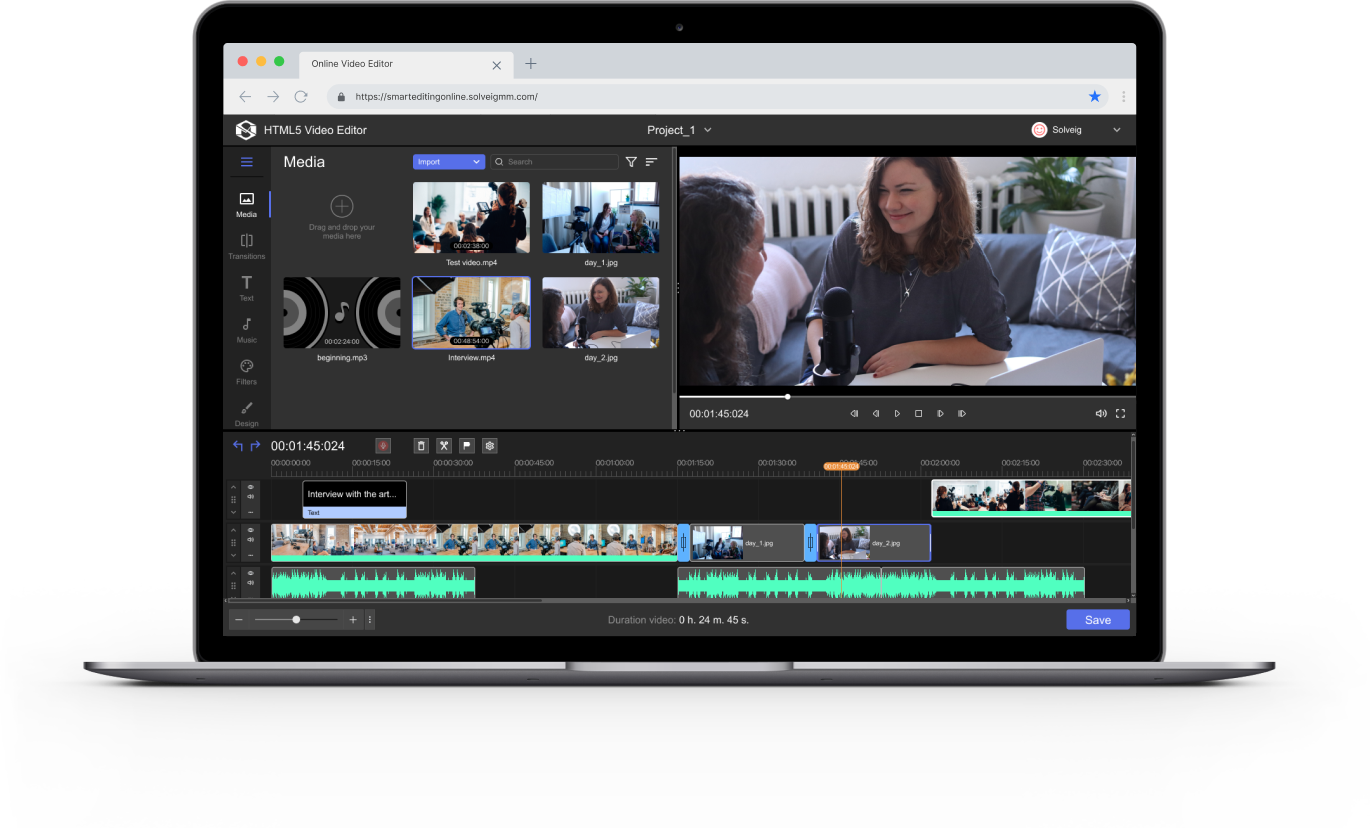
Cut and join video
Cut and join video
- Edit the video and preview the changes right away
- Save the episodes you need, remove the rest
- Join multiple clips into a single video
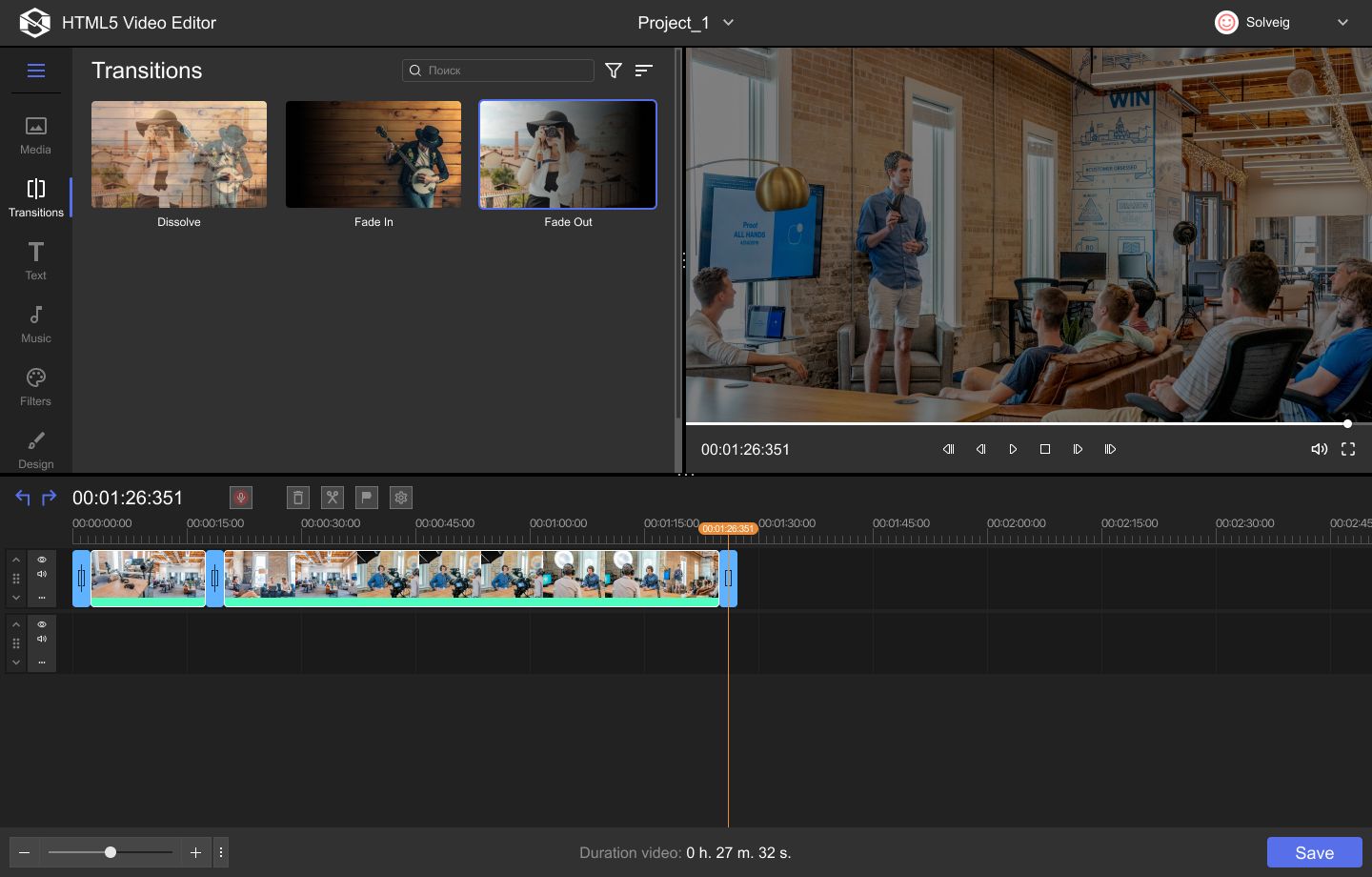
Add transitions
Add transitions
- Dissolve
- Fade in
- Fade out, and more
Text, graphics and
video overlay
Text, graphics and
video overlay
- Add comments and descriptions
- Draw shapes to highlight important elements
- Insert pictures or webcam recordings
Voice-Over
Voice-Over
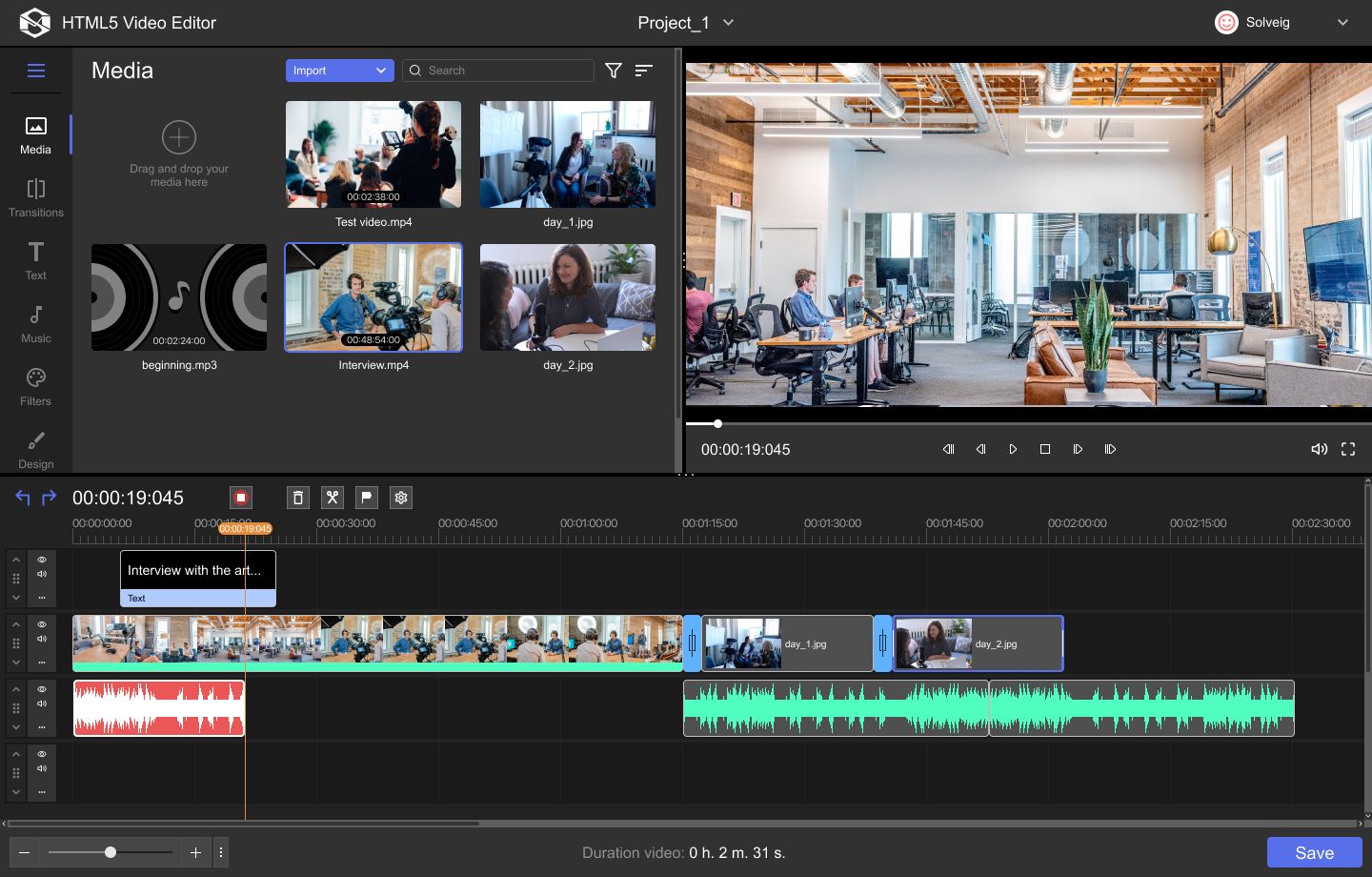
- Narrate video
- Translate
- Comment on crucial aspects
The only online editor
with smart rendering
The only online editor
with smart rendering
- Frame accuracy
- No quality loss while rendering
- Fast and CPU efficient processing

Multiselection
Multiselection
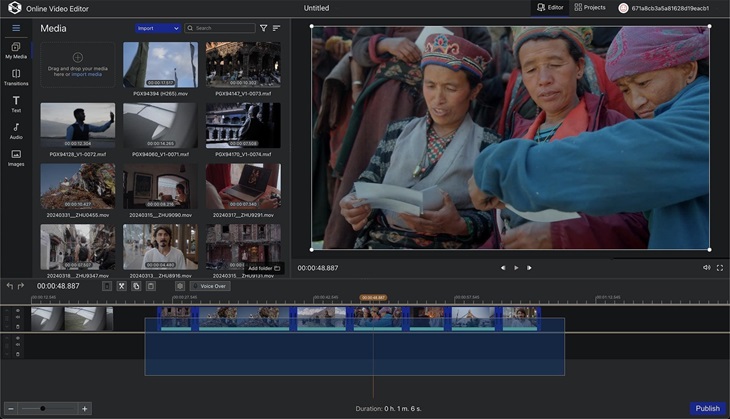
- Handle multiple assets at once
- Dragging assets group
- Deleting and copying selection
Customizable hotkeys
Customizable hotkeys
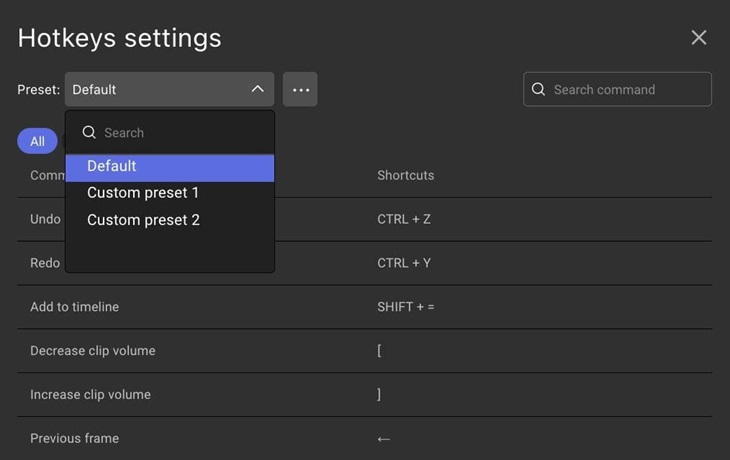
- Modify hotkeys
- Save hotkey profiles
Chroma Key
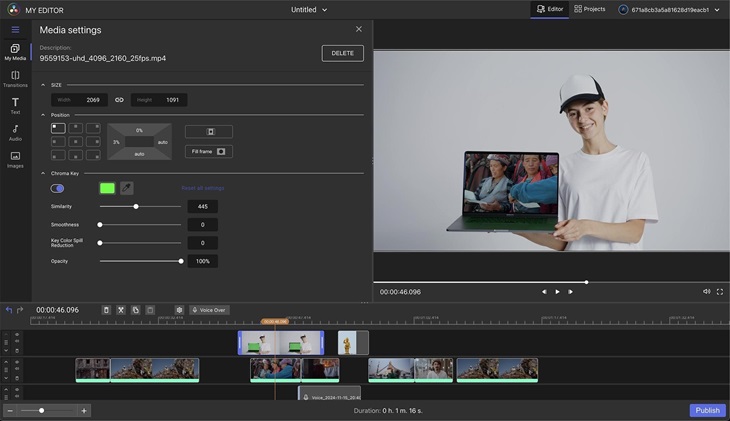
Chroma Key
- Apply green screen effects
- Modify the background
Support for modern formats
Support for modern formats
- HLS
- MXF, XAVC, XDCAM
- AVC, HEVC in MP4
Stock Image Library
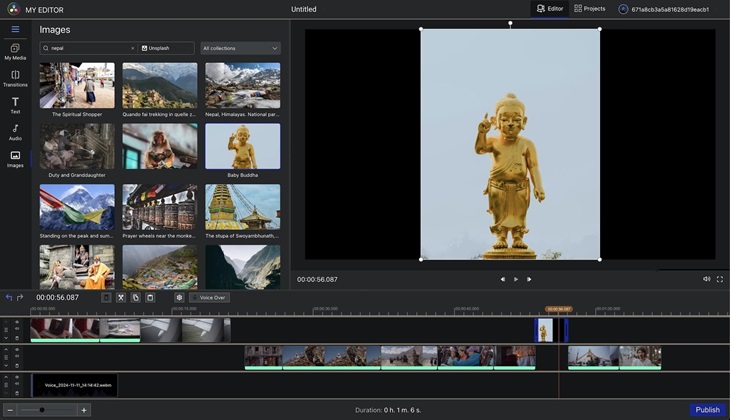
Stock Image Library
- Unsplash
- Pexels
- Native images
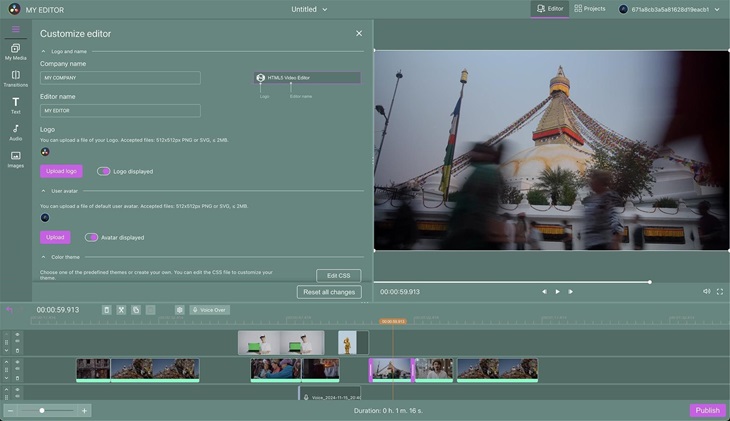
Brand customization
Brand customization
- Modify graphics
- Update colors
- Add localizations
SDK for integration
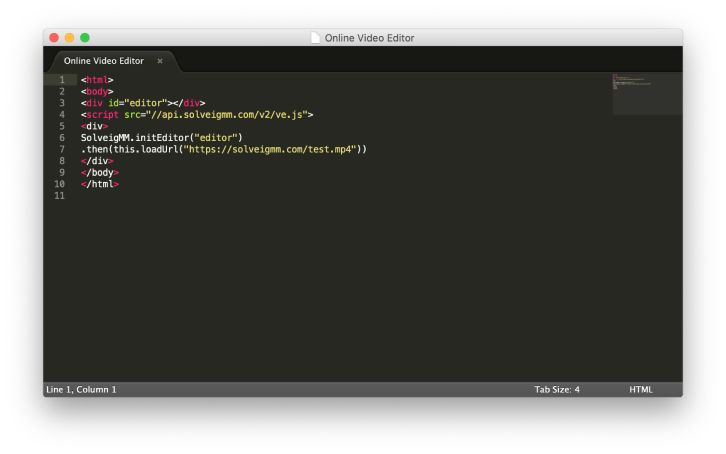
SDK for integration
- API for embedding web application
- REST API for backend manipulations
- React component integration
- Runs on Linux, Windows and MacOS
Other features demonstration videos
Visit our blog to get more information about the HTML5 Video Editor's
version 2.5 features.
Also you can check the details on the editor's main features as well as features added in version 2.0.
Also you can check the details on the editor's main features as well as features added in version 2.0.
Use cases

MAM / DAM systems
Go beyond rough cutting and enjoy enhanced functionality with no need for resources-hungry, complex PRO editors

LMS Authoring
Allow your customers to create video courses right inside your system

Newsroom systems
Allow reporters to easily create broadcasts on their own and deliver the news on time
For over 15 years, Solveig Multimedia has developed video hadling software utilized by the major market players. Here are some of them


Licensing

On-premise
Deploy the solution on your servers and use inside the organisation

Cloud
Run the editor on our server infrastructure

OEM
Use the editor as part of your application
HTML5 Video Editor is a professional online video editor that you can embed in your Learning Management System (LMS) and Media Asset Management System (MAM).
It will help your employees simplify the video editing process and improve the end result.
Using the functionality of SolveigMM's HTML5 Cloud Video Editor you can make a real movie with transitions, text overlays, audio, and smart rendering.
In addition, HTML5 Video Editor is an online video editor that allows you to edit video online with smart rendering without losing the image quality.
Using the functionality of SolveigMM's HTML5 Cloud Video Editor you can make a real movie with transitions, text overlays, audio, and smart rendering.
What can you do with our HTML5 Video Editor?
With our online video editing software - HTML5 Cloud Video Editor - you can:- trim and splice videos;
- add video transitions;
- overlay text onto the original video;
- add an audio track, etc...
In addition, HTML5 Video Editor is an online video editor that allows you to edit video online with smart rendering without losing the image quality.
Advantages
- SDK can be used for integration.
- You can embed HTML5 Cloud Video Editor into your own Learning Management System (LMS) and Media Asset Management System (MAM).
- Take advantage of the cloud video editing when you need to edit video and securely save the result of your work but you do not have your own dedicated server for this.
- It is possible to use the video editor as part of your application.
- Online video editing allows you to simplify the process of creating video and storing the result.
- Maximum ease of use: intuitive interface.
- Advanced functionality that will allow you to edit video online going beyond amateur cuts without studying and using resource-intensive and complex PRO editors.
- It is possible to create professional video content in a web browser.
Restrictions
- Limited time for the demo version use.
- The editor works in a browser (Chrome or any other on the Chromium engine). But at the same time, it does not depend on the system, therefore it is equally well suites for devices on Windows, Mac OS, and Linux.
Frequently Asked Questions
The key advantages of the Professional HTML5 Video Editor by SolveigMM are, among other things, ease of use, an intuitive interface, brilliant user experience and basic technical requirements.The list of answers to the most frequently asked questions below has been created specifically to make it as easy as possible for users, both beginners and experienced, to use the application.
Our software has two options for trial versions of his application and the user can choose the most suitable for their current work tasks. The first one is Free Online Video Editor and it has a totally cloud principle of work and demonstrates the functionality of the program.
The editor can also exist in the Docker format, in which the program is installed on the client's device and tested. To use the editor online or install it on your own server, the user must first make a request for a demo version.
The editor can also exist in the Docker format, in which the program is installed on the client's device and tested. To use the editor online or install it on your own server, the user must first make a request for a demo version.
Professional HTML5 Video Editor contains the necessary APIs for embedding and integrating into native applications. API integration as well as software development kit or SDK integration allow you to integrate the product with external systems.
The process which allows to integrate HTML5 Video Editor works by letting the user upload the video to embed it directly into a web page.
The process which allows to integrate HTML5 Video Editor works by letting the user upload the video to embed it directly into a web page.
HTML5 Video Editor is a browser video editor. It works standardly only with Chromium-based cloud video editing browsers. The list of approved browsers includes Vivaldi, Torch, Microsoft Edge, SlimBrowser, Brave, Comodo Dragon, Epic Privacy Browser and more.
At the moment the technology is no more compatible with Internet Explorer 8 and earlier versions of that browser.
At the moment the technology is no more compatible with Internet Explorer 8 and earlier versions of that browser.
As it was mentioned previously, the online version of our video editor has a totally cloud principle of work. So, it works with the browser and there is no need for users to install it.
Along with this, the system requirements cloud API requests from the server are the following: 2GB RAM, 2 CPU (AVX instructions set is required by mongodb), HDD 10 GB of free space, and Docker acquainted operating system (such as, for example Ubuntu 18.04, Windows 10 or MacOS X).
Along with this, the system requirements cloud API requests from the server are the following: 2GB RAM, 2 CPU (AVX instructions set is required by mongodb), HDD 10 GB of free space, and Docker acquainted operating system (such as, for example Ubuntu 18.04, Windows 10 or MacOS X).
HTML5 Video Editor by SolveigMM works with MP4, as one of the most popular video editing file formats. Here is the list of supported input (output) video file types: MP4 (with AVC video and AAC audio), MP3 / M4A (with AAC audio for the sound editing), as well as jpg and png formats for working with the images.
Cloud video editing API allows user controlling audio and video playback in HTML5 without additional efforts. Professional HTML5 Video Editor by SolveigMM contains a built-in player for navigating through the file and viewing preview changes. Thus, you always have access to easy and simple navigation of your multimedia project in real time.
Online video editor templates provide a set of standard managing elements. This set includes authorization, managing projects, uploading files, getting video thumbnails, starting editing, tracking progress and so on.
Editing your multimedia projects is based on GStreamer. But it happens on the backend, so users have no access to it. The backend itself implements the Rest API for the aforementioned managing components.
Editing your multimedia projects is based on GStreamer. But it happens on the backend, so users have no access to it. The backend itself implements the Rest API for the aforementioned managing components.
While both HTML and HTML5 are hypertext markup languages, the main difference between these cloud video editor languages is that HTML5 is the latest version of HTML and supports more features such as multimedia, new tags and elements as well as new embedded video editor API.
The standard interface language of the Professional HTML5 Video Editor is English by default.
The standard interface language of the Professional HTML5 Video Editor is English by default.
This request from our regular users is one of the most common. At the moment, the standard version of the HTML5 Video Editor does not have the ability to change the background of a video, but the developers took into account the increased interest in this option and it is planned to be added to the general toolkit in the near future.
When working with the cloud video editor, there are certain memory limitations of the browser, server, and client. So, the maximum video file size for uploading for one user should not exceed 2 GB at one time.
Along with this, the user can have up to 4 GB of memory for uploaded file, output file, and a file, imported from URL.
Along with this, the user can have up to 4 GB of memory for uploaded file, output file, and a file, imported from URL.
There is currently no video encoding API available as a standalone application. However, as a part of the HTML5 video editor, there is an encoder and it is needed for partial transcoding. At the same time, the API is not supplied to it and it is most likely impossible to use it separately.
In order to get access to all working services of the professional version of HTML5 Video Editor on a subscription basis, the client must conclude a contract. The minimum contract term is 1 year.
Today large corporations and young startups are already realizing the business advantages when they use HTML5 video editor to create their scientific, technological, educational, presentation and advertising multimedia projects.
DAM (digital asset management), OTT, education, healthcare, Social Media Marketing, broadcasting, mass media and many more are those business areas and branches, where Professional HTML5 Video Editor can come in handy.
DAM (digital asset management), OTT, education, healthcare, Social Media Marketing, broadcasting, mass media and many more are those business areas and branches, where Professional HTML5 Video Editor can come in handy.
Cloud video editing features, delivered by HTML5 Video Editor make our product a truly versatile digital instrument kit for creating effective multimedia content for a variety of tasks.
Among the key advantages of the editor are smart rendering (without full re-coding), as well as additional features when overlaying sound, music, audio, adding text, images and transitions.
Among the key advantages of the editor are smart rendering (without full re-coding), as well as additional features when overlaying sound, music, audio, adding text, images and transitions.
Version History
Version 2.5
- Dual Viewer Mode: Timeline & Source Preview
- In/Out Points for Source & Timeline Clips
- MXF Timecode Support
- Adjustable Panel Divider and Flexible Layout
- Frame-Accurate Trimming via Time Edit Boxes
- AI-Based Sport Highlight Detection
- Project Import/Export (EDL & JSON)
- Desktop Edition: For Windows and macOS
- Additional Tools for Broadcast Workflows
Version 2.0
- HLS Support
- MXF Support and Native File Playback
- HEVC Support for MP4
- Multiselection
- Ripple Trim
- Ripple Delete
- Chroma Key
- Voice Over
- Trim Edges
- Stock Image Library
- Customizable Hotkeys
- Brand Customization
- React Component Integration
- Online Demo Options
- Desktop Edition
Version 1.2
- Files supported – MP4(AVC), MP3, M4A(AAC), JPG, PNG.
- Files ingest – local import, import from url, Dropbox and Google drive import, Amazon S3 Bucket (copying files)
- Cut, join, rearrange (pieces on timeline)
- Text and images over video. PNG (with transparency)
- Smart reencoding (files can be of different parameters)
- Transitions
- Audio overlay
- Undo / redo
- Folders
- Projects
- Timeline zoom
- Support of MXF XAVC with pre-existed proxy files (demo mode)
- Audio library
