
Streaming
With HyperCam 6 you can not only record your actions to a video file. You can broadcast your actions as a live stream to one of the most popular streaming services - Twich or YouTube.
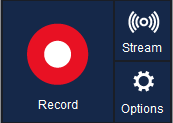
Push the Stream button to see the Streaming Settings dialog where you can set up your streaming.
Please note that before streaming you should first sign up to the service to have valid credentials.
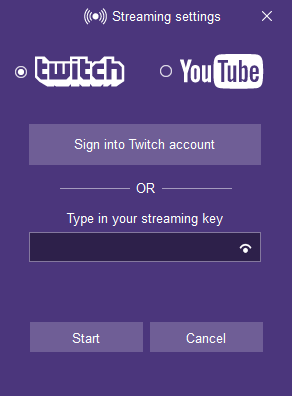
There are two ways to start streaming:
- The first way is mostly automatic. Push the Sign in to Twitch / YouTube account button and autorize with your credentials. The HyperCam itself will get all information necessary to start streaming to your channel.
- The second way is manual: you should type in your Private Streaming Key to a special edit box. To find your Private Streaming Key please log in the corresponding service and refer to the steps of the service documentations. It will help you to locate the Streaming Key more easily. And for YouTube you should also find and provide the streaming server address. In case of Twitch you may select the most appropriate server from the Twitch Server list.
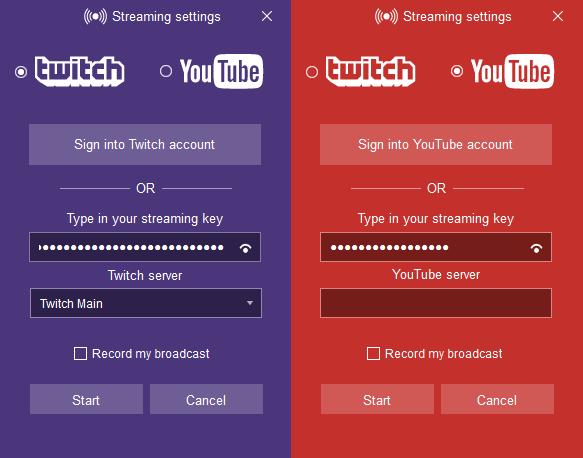
And now you are ready to start streaming. Just push Start to begin.
In addition, you can check Record my broadcasting to save your streaming session to a local file.