- no more than 3 operations are allowed per one program launch
- maximum output file length of trimming is 5 min, output of joining is 15 min
- logo on trimmed files
- messages about restrictions
- lack of technical support

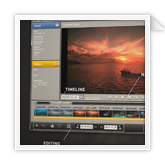
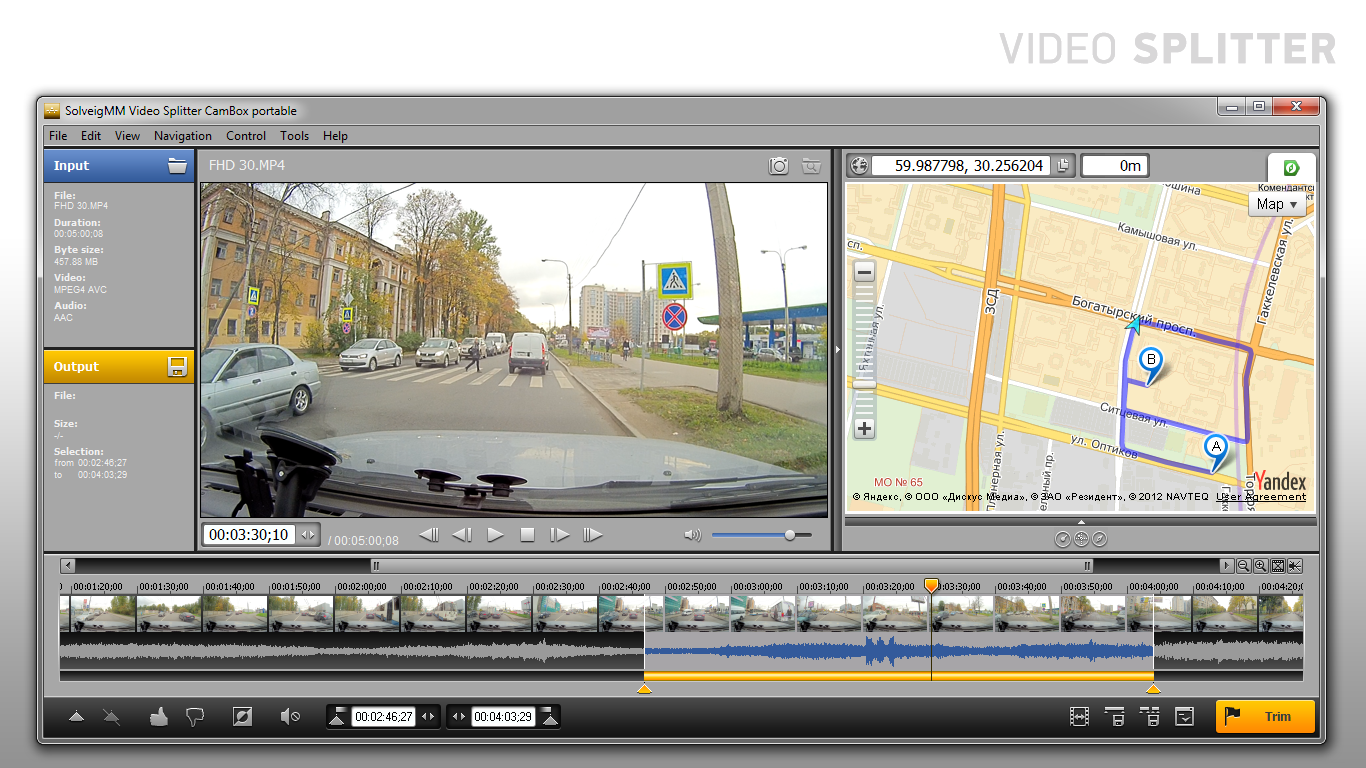
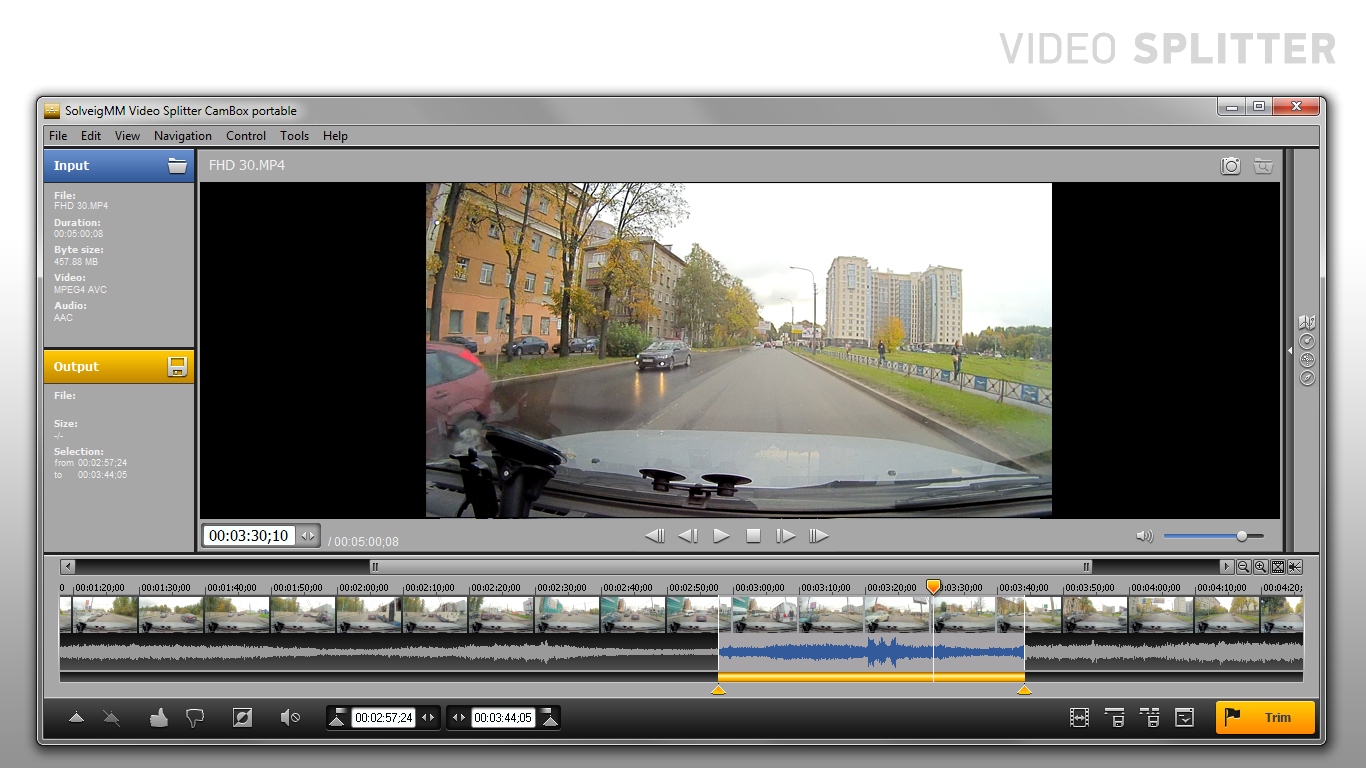
Offering true lossless editing of compressed video streams, SolveigMM Video Splitter CamBox is head and shoulders above the crowded market of AV splitters, joiners and converters. The powerful video / audio editor makes it easy to split, join, delete or save a separate video/audio track in compressed DETALECO CamBox CE and CamBox Drive car video recorders MP4 files.
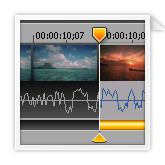
SolveigMM Video Splitter CamBox makes splitting, cutting and joining and video files easy and fast. With no recompression performed or required, no unwanted compression artifacts are introduced into resulting video files. The editor is fast and lossless. You can remove boring parts of the video seamlessly with just a few mouse clicks, and SolveigMM Video Splitter will ensure that your video and audio streams are cut and joined perfectly.

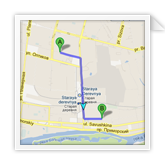
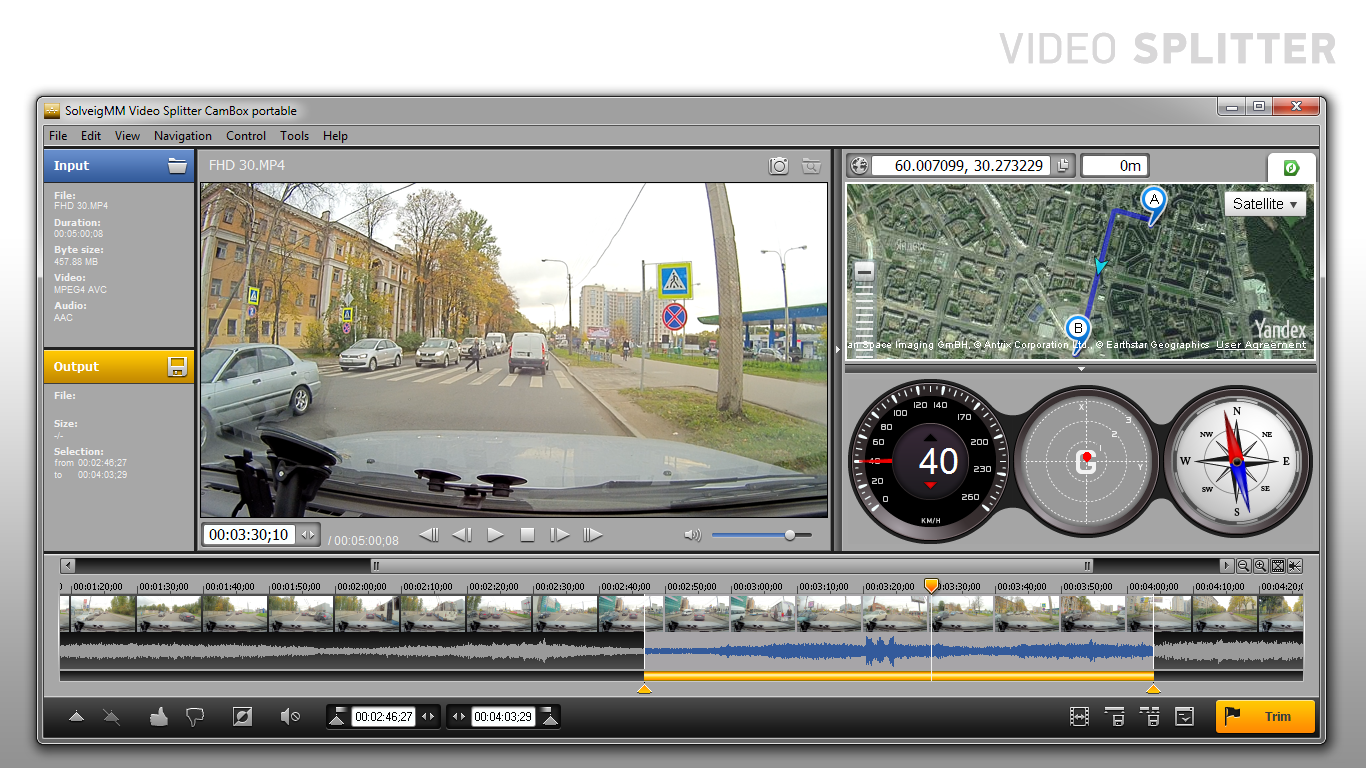
Displaying route on the Yandex maps and speedometer, compass and accelerometer readings on DETALECO CamBox CE and CamBox Drive car video recorders MP4 files. Seeking video stream at point on the GPS route.

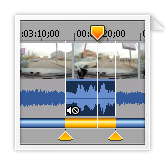
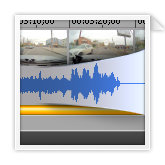
Want to mute noise or swearing on your footage? With SolveigMM Video Splitter CamBox you can do that in a few mouse clicks without audio re-encoding.

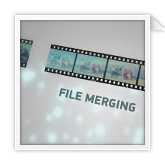
Join individual clips into a single movie in just a few clicks! You can merge individual video files together without losing quality

Whenever you want to save a certain soundtrack or make a cellphone ringtone from a preferred tune – it’s very easy to do with the Splitter.
Based on SolveigMM Video Editing SDK, our audio/video editor delivers incredible speed and quality without employing the computational-intensive encoding/decoding process.

SolveigMM Video Splitter CamBox offers frame accurate editing of DETALECO CamBox CE and CamBox Drive car video recorders MP4 files.
SolveigMM advanced technology keeps 99% of original data, only transcoding a few frames at the beginning and end of affected video segments. This technology makes processing blazing fast and as lossless as theoretically possible.

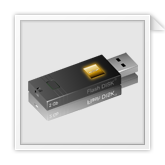
SolveigMM Video Splitter CamBox can be installed on a portable storage device such as a USB flash drive or memory card.
Please find below the complete Format Reference for SolveigMM Video Splitter CamBox. Take a look on this page to learn more about formats and codecs supported by SolveigMM Video Splitter CamBox.
If you have version 3 of SolveigMM Video Splitter CamBox Portable installed on your CamBox СЕ device, then after the purchase of version 4 you can contact support@solveigmm.com to get the free license key for version 3 or for portable version 4 of SolveigMM Video Splitter CamBox Portable to upgrade it on your CamBox СЕ device.
The Upgrade from SolveigMM Video Splitter CamBox portable 3 to SolveigMM Video Splitter CamBox 4 is free. To get the license key for version 4 please use this link.
Lossless Editing of Compressed Video Streams