 Eng
Eng  Rus
Rus  Deu
Deu  Ital
Ital  Esp
Esp  Port
Port  Jap
Jap  Chin
Chin How to register Solveig Multimedia WMP Trimmer Plugin

By Olga Krovyakova - modified October 6, 2023, created April 3, 2019.
This guideline describes how to register the WMP Trimmer Plugin correctly. You can do it in easily in few mouse clicks.
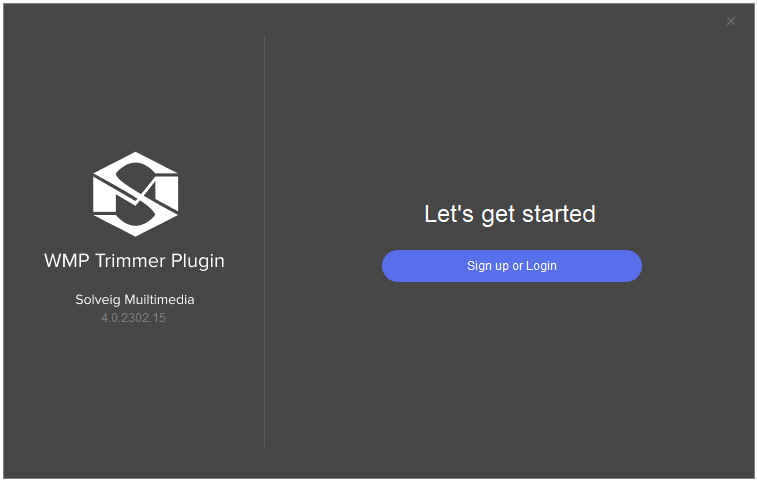
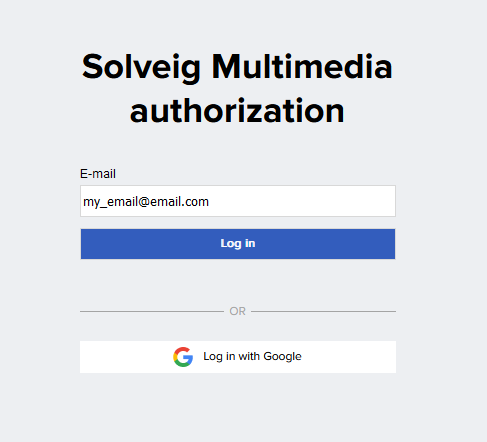
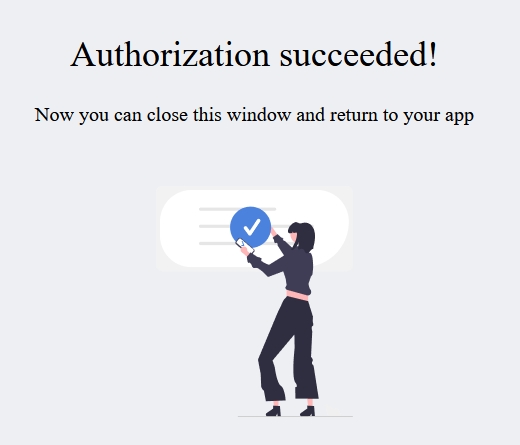
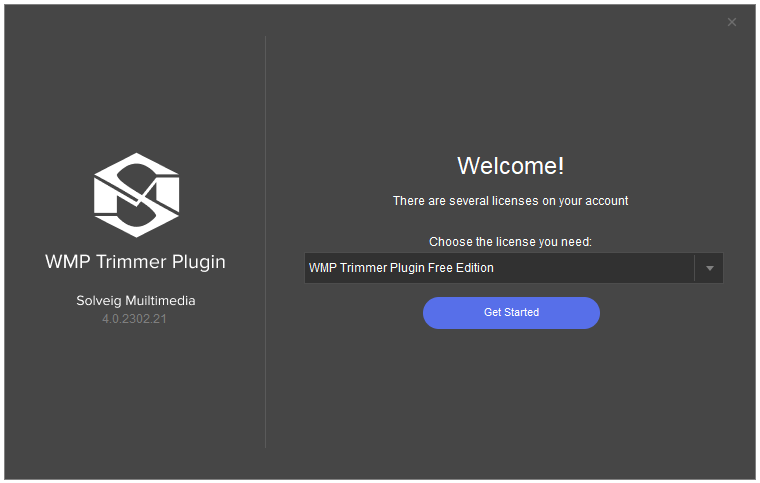
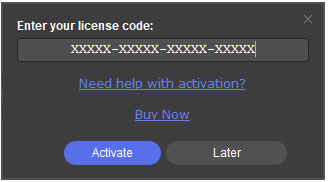
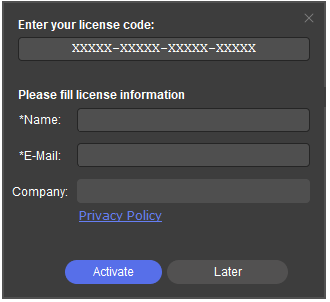
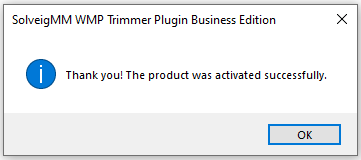
To register Solveig Multimedia WMP Trimmer Plugin do the following:
1) Install WMP Trimmer Plugin. The download is available here.
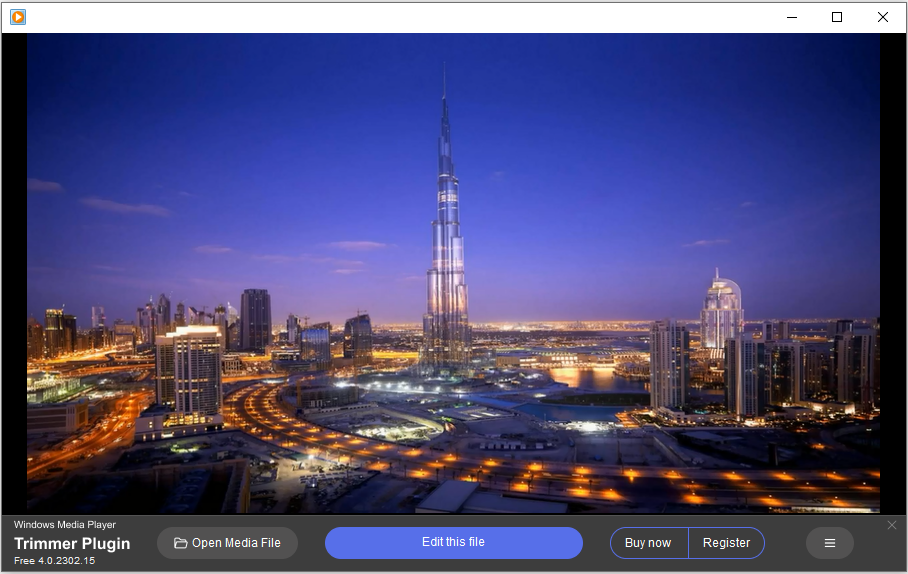
2) Open Windows Media Player. The Plugin’s window should appear in it.


- https://www.solveigmm.com/en/support/howto/how-to-register-solveigmm-video-splitter/
- https://www.solveigmm.com/en/support/howto/how-to-make-ringtone-for-cellphone-with-wmp-trimmer-plugin/
- https://www.solveigmm.com/en/support/howto/how-to-edit-your-video-and-audio-within-windows-media-player/
 Olga Krovyakova is the Technical Support Manager in Solveig Multimedia since 2010.
She is the author of many text and video guidelines of company's products: Video Splitter, HyperCam, WMP Trimmer Plugin, AVI Trimmer+ and TriMP4.
She works with programs every day and therefore knows very well how they work. Сontact Olga via support@solveigmm.com if you have any questions. She will gladly assist you!